
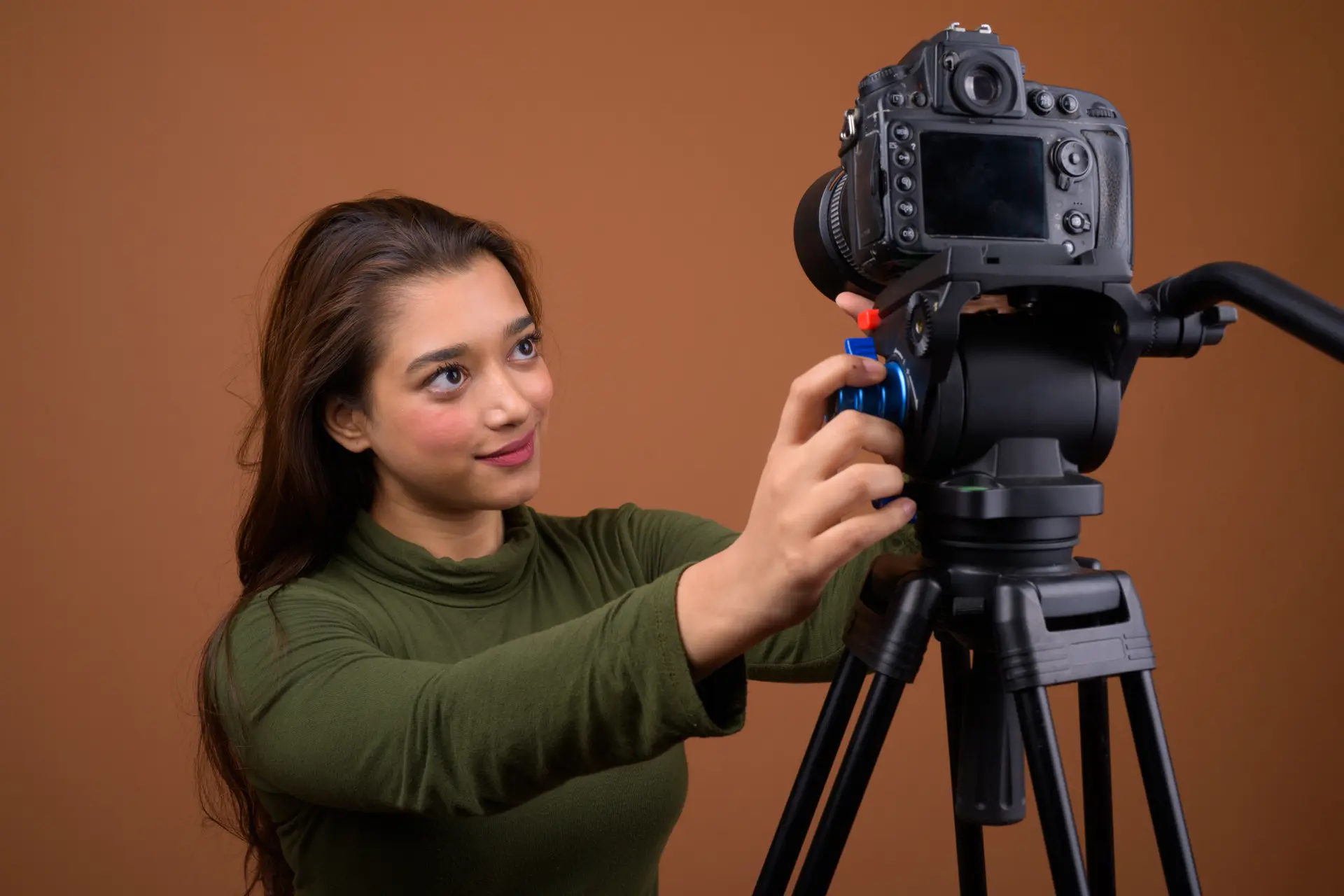
The truth is that you don’t necessarily need an expensive camera to create good OnlyFans content. A great phone can be enough, but a dedicated camera will give you better control, lens options, low-light performance, and generally better image/video quality.
While you still need good lighting and some experience shooting and/or editing video, a solid camera will make everything a lot easier for you and more pleasant for your audience (through the sheer quality of the footage).
So, let’s make it happen! Here’s the investment you really need to make this year to take your content to the next level: the absolute best cameras for OnlyFans creators!
Please note: We get commissions for purchases made through links in this article.
| Camera | Main features |
|---|---|
Sony ZV-E10 II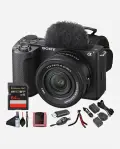 | Editor’s choice (best overall) APS-C mirrorless camera Built-in image stabilization Up to to 4K/60p Check price on Amazon |
Canon PowerShot V1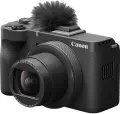 | Best all-in-one compact 4K video shooting Optical IS stabilization Plenty of features Check price on Amazon |
Fujifilm X-S20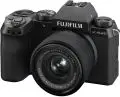 | Best for photo & video APS-C mirrorless Up to 6.2K/30p resolution Very popular among vloggers Check price on Amazon |
DJI Osmo Pocket 4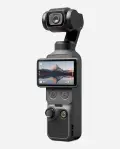 | Best Portable for OnlyFans 4K video shooting Pocket gimbal camera Built-in stabilization Up to 4K/240p Check price on Amazon |
iPhone 17 Pro / Pro Max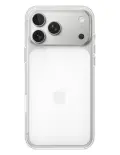 | Best phone camera (alternative) Amazing camera on top of a great phone Quick editing and video features Can shoot 4K video Check price on Amazon |
If you want to get even more in-depth with the recommended models above, check out my reviews below to find out which is the best suited camera for your Onlyfans content creator profile.
Sony ZV-E10 II
Editor’s choice – best overall camera for OnlyFans
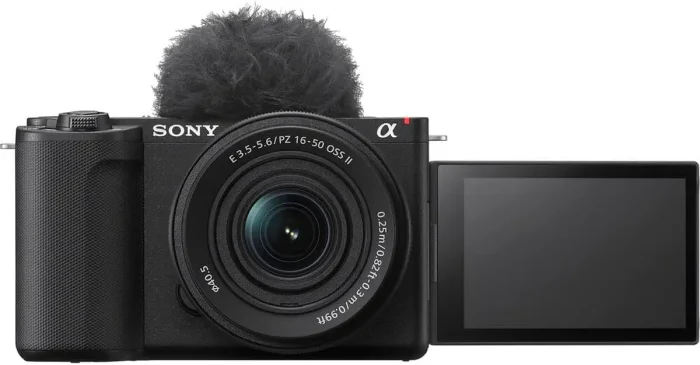
This is actually my favorite camera, and I use it for various video content on Youtube, as well as photography. Since it’s built for content creators, it is also an amazing choice for OF.
The biggest reason is flexibility. Unlike the compact cameras further down this list, the ZV-E10 II uses interchangeable lenses, so you can start with a simple kit lens and change the look of your footage later without replacing the camera itself.
It uses an APS-C sensor and produces 26-megapixel still images. For video, it can record 4K at up to 60p, and its fully articulating screen makes it much easier to frame yourself when you are shooting alone. Sony also includes creator-oriented features such as Background Defocus, Creative Look options, a Cinematic Vlog setting and vertical display support.
I particularly like this type of camera for creators who want room to grow. You can keep things simple at first, then learn more about aperture, focal length and manual exposure as you become more comfortable.
The autofocus is another major advantage. Sony gives the camera face and eye tracking designed for people recording themselves, which means you can spend less time checking whether the camera actually focused on you and more time creating.
There is one important drawback, though. The ZV-E10 II does not have in-body image stabilization. Its Active stabilization is electronic and introduces a crop, while optical stabilization depends on the lens you use.
For a camera sitting on a tripod, that is not a major concern. If you plan to walk around while filming yourself, you will need to think about stabilization more carefully.
The camera also has a 3.5mm microphone input and headphone jack, and it can work as a USB webcam or livestreaming camera. Sony lists both USB and network streaming options, including up to 4K output in supported streaming configurations.
All in all, this is definitely my recommended camera for OnlyFans creators. It has a fair price and offers a ton of features out of the box, being beginner friendly and, simply put, perfect.
- Best for: creators who want the best balance between image quality, simplicity and long-term flexibility.
- Main drawback: there is no mechanical in-body stabilization (and you might want to build a lens later on).
Click here to check price on Amazon
Canon PowerShot V1
Best all-in-one compact camera for OnlyFans creators
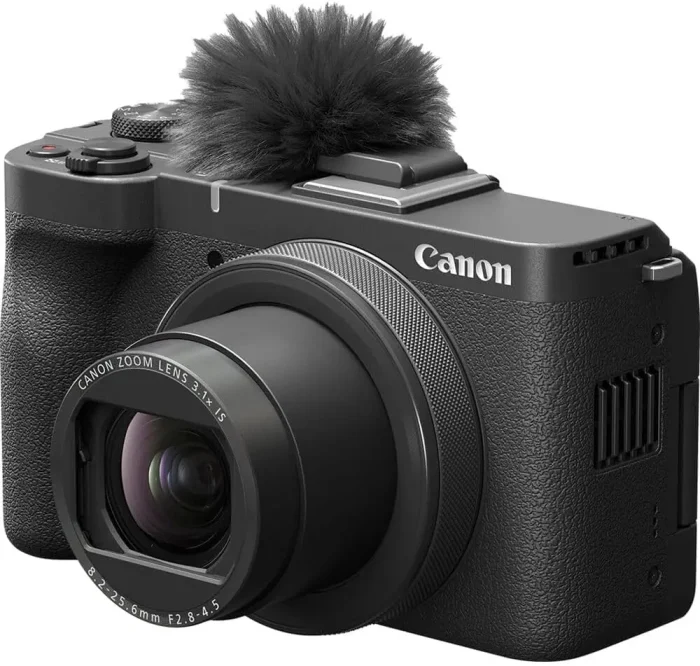
I like this camera because it solves a problem that many beginners have with mirrorless cameras: you can get serious video features without also having to learn which lens to buy.
Without getting too much into technicalities, the V1 has a 1.4-type sensor and a built-in non-interchangeable zoom lens, which includes optical image stabilization, while Canon also built a three-stop ND filter into the camera.
That wide end is especially useful if you are shooting in a smaller room. You do not need to move the camera halfway across the room just to fit yourself into the frame.
The flip-out vari-angle screen is also well suited to solo shooting and it seems perfectly suited for those hot sessions as it has a built-in cooling fan.
Jokes aside, this is a really useful feature, offering up to 55 minutes of continuous 4 K recording with the fan operating. This matters a lot when you are recording longer sessions – you don’t need a camera that overheats after 10 minutes!
There are limits, though. The lens is fixed, so you do not get the flexibility of other cameras listed here. And if you eventually become very serious about photography, an interchangeable-lens camera will give you far more room to experiment.
But as a self-contained creator camera, I think the PowerShot V1 is a very sensible choice.
- Best for: creators who want excellent video quality without buying and changing lenses.
- Main drawback: the fixed lens limits creative flexibility compared with a mirrorless camera.
Click here to check price on Amazon
Fujifilm X-S20
Best hybrid camera for photos and video
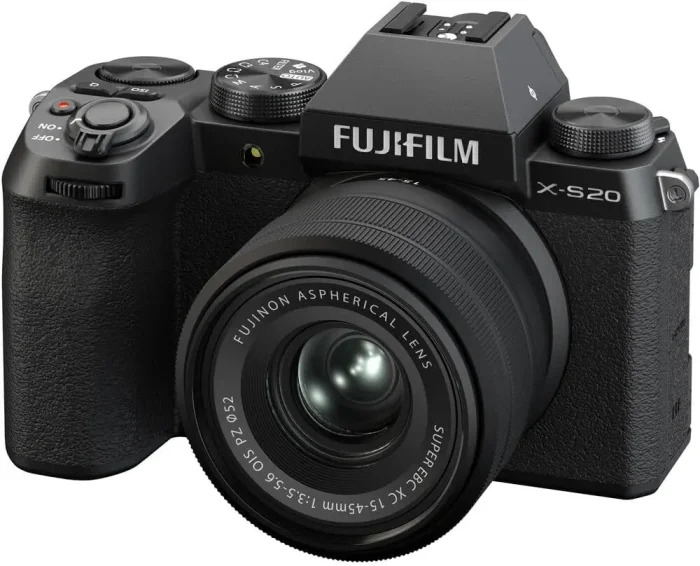
The Fujifilm X-S20 is not the camera I would automatically recommend to somebody who has never touched a dedicated camera before. But it is the one I would look at when photography matters just as much as video.
This is the successor to the X-S10 that I previously considered a great all-around choice. The X-S20 keeps the compact body and interchangeable-lens design, but it brings much more advanced video capabilities and a larger battery.
It uses a 26.1-megapixel APS-C sensor and can record 6.2K video at 30p as well as 4K at up to 60p. It also has in-body image stabilization, like all modern cameras should.
Another reason I like Fujifilm bodies is the photography side of the experience. The X-S20 includes 19 Film Simulation modes, including ETERNA, and Fujifilm has built extensive color options into the system.
There is a price to pay for all this flexibility, though.
You need to buy a lens too, and better lenses will cost a lot more. That means you shouldn’t compare the body price directly with that of a fixed-lens compact camera and assume they cost the same to build into a working setup.
For a simple creator setup, you don’t need an expensive collection of lenses. A sensible general-purpose lens can go a long way, and you can add another lens later if you need it. For regular Onlyfans content, though, one starting lens should be enough.
- Best for: creators who want strong photos, serious video capabilities and lots of room to grow.
- Main drawback: it costs more once you factor in a good lens, and it is more camera than many beginners need.
Click here to check price on Amazon
DJI Osmo Pocket 4
Best portable camera for OnlyFans creators
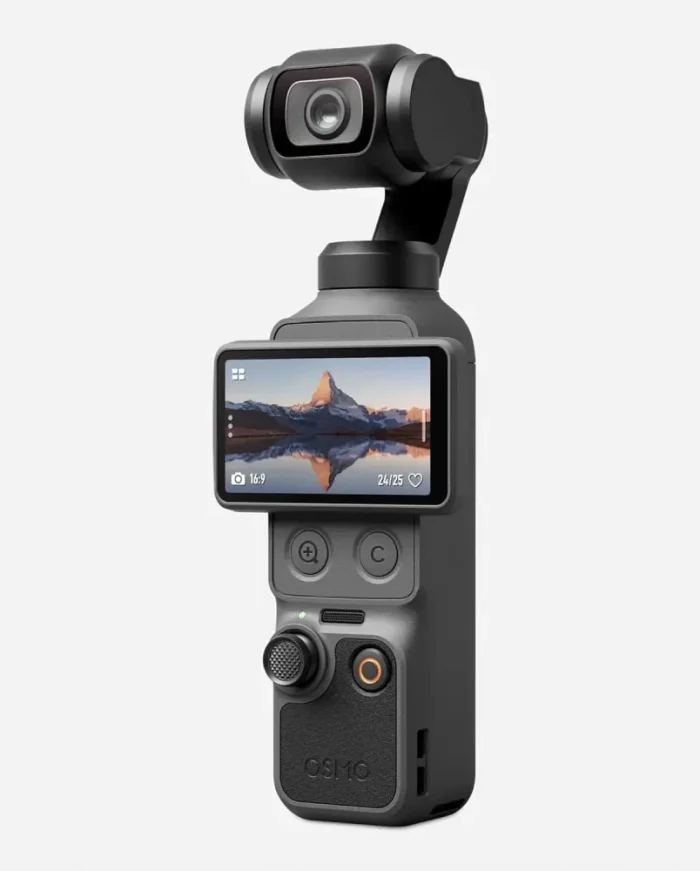
The DJI Pocket series has always had one huge advantage: you can carry the camera almost anywhere without feeling like you are carrying a camera.
But despite the small size, it offers everything you need for shooting really high quality videos in 4K definition at up to 240 FPS – and much more.
With built-in image stabilization, it has ActiveTrack features to make sure you always remain in the spotlight, as well as a great built-in microphone for increased audio quality.
The tiny camera also features a really solid battery, which allows over 3hours of video shooting in full HD, although those numbers go down drastically when shooting 4K video.
It also has a bit of internal storage (around 100GB available), which could be enough with proper management of what you shoot.
The main compromise is the fixed wide-angle lens. You cannot swap to a different focal length to change perspective, and that can matter when you want a more traditional portrait look.
It doesn’t do really well in sub-par lighting conditions, so rooms without extra lights might not be the best fit for it.
All serious content creators have to eventually invest in extra lighting options, though, so sooner or later you’ll still have to get those – and if you do it sooner, you’d have no problem using the DJI Osmo Pocket 4 indoors.
Considering the price of this camera, and the fact that it is so small and easy to carry around wherever you may want to go and shoot your videos, it is a great choice – especially for the beginner creators.
- Best for: creators who value portability, stabilization and ease of use.
- Main drawback: not great indoors unless you have a good light source.
Click here to check price on Amazon
iPhone 17 Pro / Pro Max
Best phone for OnlyFans creators
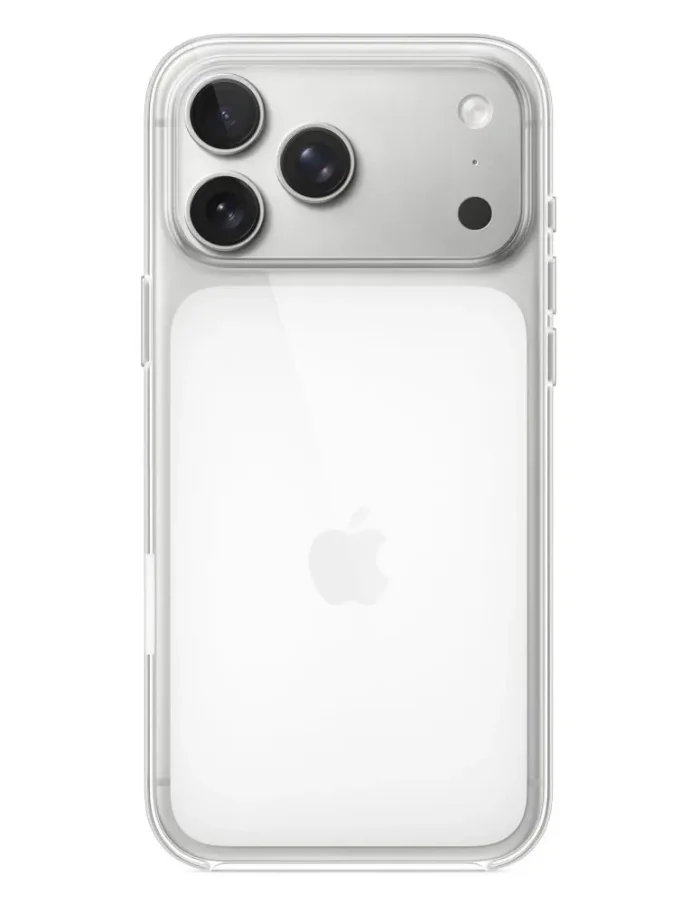
Most smartphones nowadays have decent cameras, but flagships like the iPhone 17 Pro Max offer video and picture-taking capabilities that can easily compete with premium cameras out there.
The iPhone 17 Pro and Pro Max have multiple rear cameras, 4K Dolby Vision recording up to 120fps on the main Fusion camera, sensor-shift optical stabilization on the main camera and continuous autofocus for video.
The front Center Stage camera is 18MP and also supports autofocus and 4K Dolby Vision video up to 60fps.
Another advantage comes from the fact that you can shoot, review, trim and edit on the same device without moving files between a camera, memory card and computer.
For somebody just starting out, that can be worth more than anything, although you will see, once you try it, that nothing beats editing on an actual computer (or laptop).
The iPhone also handles stabilization very well, and the combination of multiple cameras and computational processing gives you a lot of flexibility without learning the basics of exposure and lens selection first.
So, for somebody who wants to start creating immediately, I would much rather see them use a good phone properly than spend a lot of money on a camera they do not yet understand.
- Best for: creators who value convenience, fast editing and an all-in-one setup.
- Main drawback: less control over lenses, perspective and depth of field than a dedicated camera.
Click here to check price on Amazon
Main features to look at when choosing a camera for Onlyfans
You know now the best cameras you need to make it up there to the top and maybe become one of the top earners on OnlyFans.
But if you still don’t know exactly what to look for in a camera, check out the most important things below:
Sensor Size and Image Quality
Sensor size is one of the biggest differences between a phone, compact camera and mirrorless camera.
The cameras on this list use several different sensor sizes, from a 1-inch sensor in the Sony ZV-1 II and DJI Pocket 4 to a 1.4-type sensor in the Canon PowerShot V1 and APS-C sensors in cameras such as the Sony ZV-E10 II, Canon EOS R50 V and Fujifilm X-S20.
A larger sensor can give you more control over depth of field and can provide an advantage in challenging lighting conditions, although the lens and lighting still matter enormously.
So don’t look just at megapixels. In this case, more doesn’t automatically mean better video or a better-looking photo. Lens quality, lighting, autofocus, exposure and the characteristics of the sensor all affect the final result.
4K video capabilities
Today, fullHD is no longer enough when it comes to the resolution of your videos.
While you can still go for fullHD only videos and most people won’t really notice the difference, you should go for the improved video quality offered by 4K-capable cameras.
All the models recommended above are capable of shooting videos in 4K resolution, so you’ve got this area covered.
AI-assisted shooting
For most users, having as much AI-assistance as possible is beneficial. Unless you have either studied film making or have a lot of experience in the field, the AI-assisted settings will make a huge difference.
Without these solid features that make your images and videos better, your expensive camera can turn into a worthless piece of junk.
A true beginner (like most of us are) with the most expensive camera in the world – but without AI assist – will almost always deliver much lower video quality than a much cheaper camera would with AI-assisted shooting.
Image stabilization
While most content creators that are active on OnlyFans won’t need much image stabilization as they will have their camera placed on a tripod on a desk or something, it’s a feature that you should look after.
Any video that you will shoot while moving will be much better if you have some sort of image stabilization. Otherwise it will look really bad and it will be very difficult to follow.
Also read: Best OnlyFans Hashtags for social media
Solid microphone (or external port for one)
Sound is extremely important – even if we’re only talking about the surrounding sound and not necessarily you talking to the camera.
But since you’re shooting video, it won’t be completely muted and having solid audio will improve the overall quality of the video by a ton. Just imagine how many times you were turned off when watching a video with crappy sound!
The best sound will be obtained only if you invest in an external microphone (that you plug into your camera). There’s no doubt about this.
But the cameras recommended above still offer the best sound capture capabilities on the market at the moment without an external mic.
You won’t get the same crisp and perfect sound and you might capture a bit of background noise as well, but it’s as good as it gets in terms of built-in microphones.
However, once you get your fan numbers up, it’s worth investing in an external microphone and always use it in tandem with your camera.
Storage & battery life
While you will most likely never shoot hours of video in a single take, it doesn’t hurt to know that your camera offers enough battery juice for at least some 30 minutes of shooting. And that it has enough internal storage for that.
I personally recommend to always invest in an additional battery (or have a portable power bank with you) when not shooting at home: better be safe than sorry.
Also, having at least 2 SD cards around for storage with a minimum of 128GB (ideally 256GB and above) is really useful in case you get really creative and take a lot of photos and videos.
Vertical Video and Solo Shooting
A creator working alone has different requirements from a person operating a camera with a dedicated camera operator.
I would look for a flip-out screen, reliable autofocus, a self-timer or remote-control option, straightforward tripod mounting and, where possible, easy vertical shooting because this is needed for the popular short form content.
And if you need help to further promote your work, check out my previous article sharing all of the best OnlyFans promotion ideas.
Conclusion
Investing in a high quality camera is essential for your success as an OnlyFans creator. While you can still do just well with your regular phone’s camera, if you want to get an advantage over your competitors and be able to create truly amazing videos and photos, you should invest in a solid camera.
All the models recommended above are perfect for beginners and come packed with all sorts of features that will make your life a lot easier.
So any would be a great choice. Take your pick based on budget and rest assured that things will improve drastically the moment you start using the camera.
Sure, you will still need some other minor investments to reach perfection – like adding external lighting and investing in a microphone if you need sound for your videos, but we’ll cover these in an upcoming article.
Until then, get ready by choosing the most important part of your OnlyFans creator setup: the camera! And this article helps you choose the best one on the market.